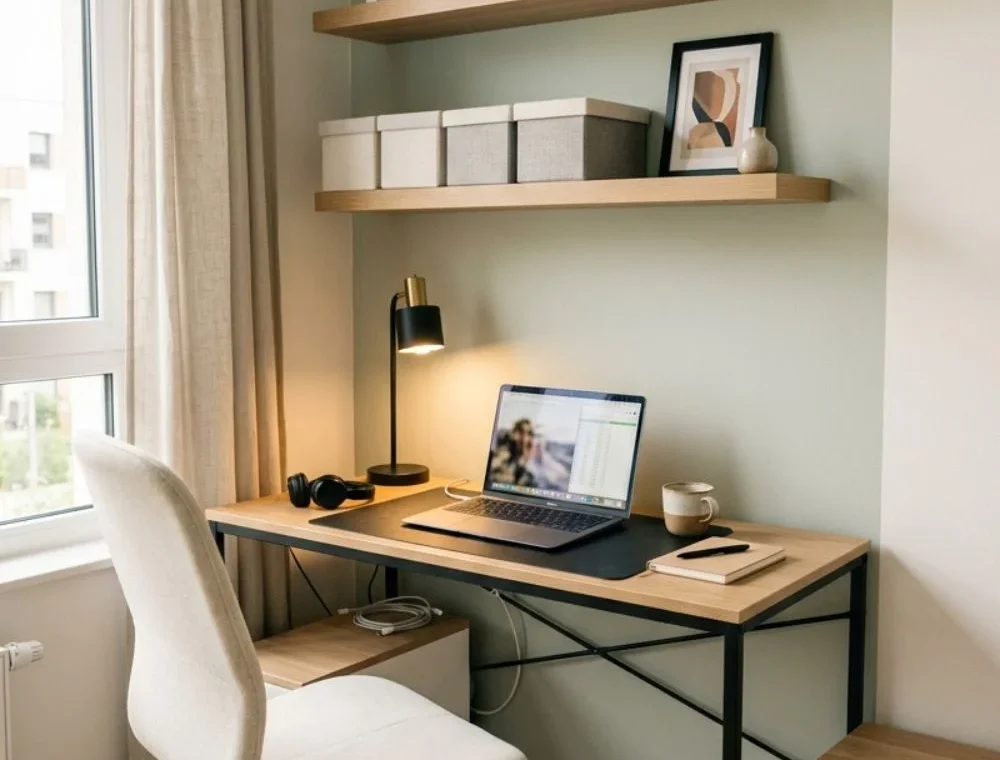
Small Home Office Ideas can be exciting until you try to fit a desk, chair, lamp, papers, and several chargers into one tiny corner. Suddenly, the pretty room you pictured can feel crowded before the workday even begins.
Written and reviewed by Ali Hamza | Styled Room Living
I love looking at a forgotten part of a home and asking one simple question: What useful thing could this space become? A home office is a perfect example. It does not have to be a separate room with expensive furniture. It can be one well-planned wall that makes daily work easier.
This guide is not a shopping list, and I do not think all 17 ideas will suit every home. My strongest choices are a slim wall desk, better work lighting, and clean cable management. They solve three problems that show up in almost every small workspace: lost floor space, poor visibility, and clutter.
A pegboard and a two-person desk can work too, but I see them as more limited choices. A pegboard often becomes visual clutter, while two people sharing a small desk may struggle with noise, calls, and legroom. I will explain those limits instead of pretending every idea is perfect.
Start with the Way You Really Work
Before choosing a desk, spend one normal workday noticing what you use. Do you work only on a laptop, or do you need a large monitor? Do you write by hand? Are you often on video calls? Does a printer need to stay close?
Next, measure the wall and the open floor in front of it. Mark the possible desk depth on the floor with painter’s tape. Pull a dining chair into that area and sit down. This quick check reveals whether a desk will block a door, make a walkway too tight, or leave too little space for your knees.
Comfort deserves the same attention as style. Your feet should feel supported, your shoulders should stay relaxed, and the screen should not make you bend your neck all day. OSHA’s workstation guidance says there is no single setup that fits everyone, but it recommends keeping the top of a monitor at or just below eye level and arranging the workstation to support a neutral posture.
Finally, set a real budget. Spend first on the chair, light, and desk size. Decorative boxes and art can come later. A workspace that feels good for several hours is more valuable than one that looks complete for a photograph.
How to Compare These Small Home Office Ideas
Here is my practical view of the list before we explore each idea in detail.
| Idea | Best for | Main thing to check |
|---|---|---|
| Empty corner office | Bedrooms and living rooms | Chair clearance |
| Slim wall desk | Narrow rooms | Enough desk depth |
| Desk near a window | Dark or tight spaces | Screen glare |
| Floating shelves | Homes with little floor storage | Wall support and load |
| Closet office | Hiding work after hours | Light and airflow |
| Fold-down desk | Multipurpose rooms | Strong installation |
| Separate bedroom zone | Work-from-bedroom setups | Visual boundary |
| Rolling cart | Flexible work areas | Stability and clutter |
| Desk with drawers | Daily paper and small supplies | Knee space |
| Better lighting | Almost every office | Glare and shadows |
| Cable management | Computer-heavy setups | Safe, open cord paths |
| Pegboard | Small tools used often | Visual clutter |
| Calm colors | Busy shared rooms | Too many competing shades |
| One or two plants | Hard, plain office corners | Light and safe placement |
| Living-room office | Homes without a spare room | Blending with existing decor |
| Two-person workspace | Shared schedules | Noise, width, and legroom |
| Video-call background | Frequent online meetings | Light and privacy |
1. Turn an Empty Corner Into an Office
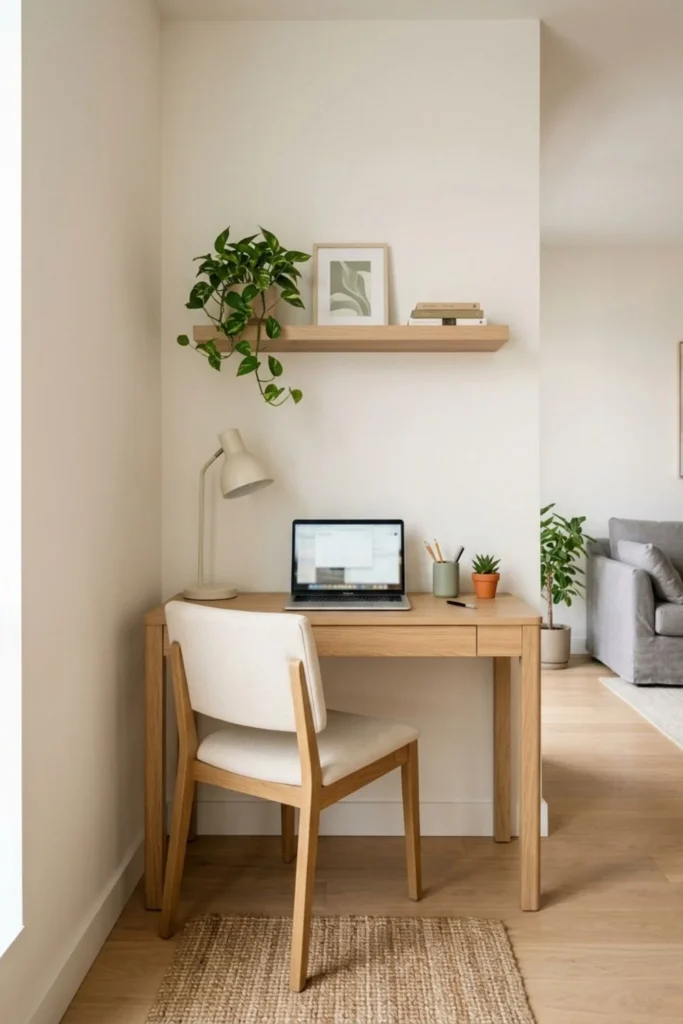
An empty corner is often the easiest place to begin. It already has two walls that can frame the workspace, so a small desk feels settled instead of floating in the middle of the room.
A simple rectangular desk usually works better than a large corner desk. It is easier to move, and it leaves more room for the chair. Choose slim legs or an open base so the furniture does not look heavy.
Before buying anything, test the chair movement. You should be able to sit down and stand up without bumping a bed, sofa, door, or drawer. Also check whether another person can still walk past you safely.
Keep the corner focused. A lamp, pencil cup, small tray, and one shelf are enough for many people. When every inch is decorated, the eye has nowhere to rest and the useful surface disappears.
2. Choose a Slim Wall Desk
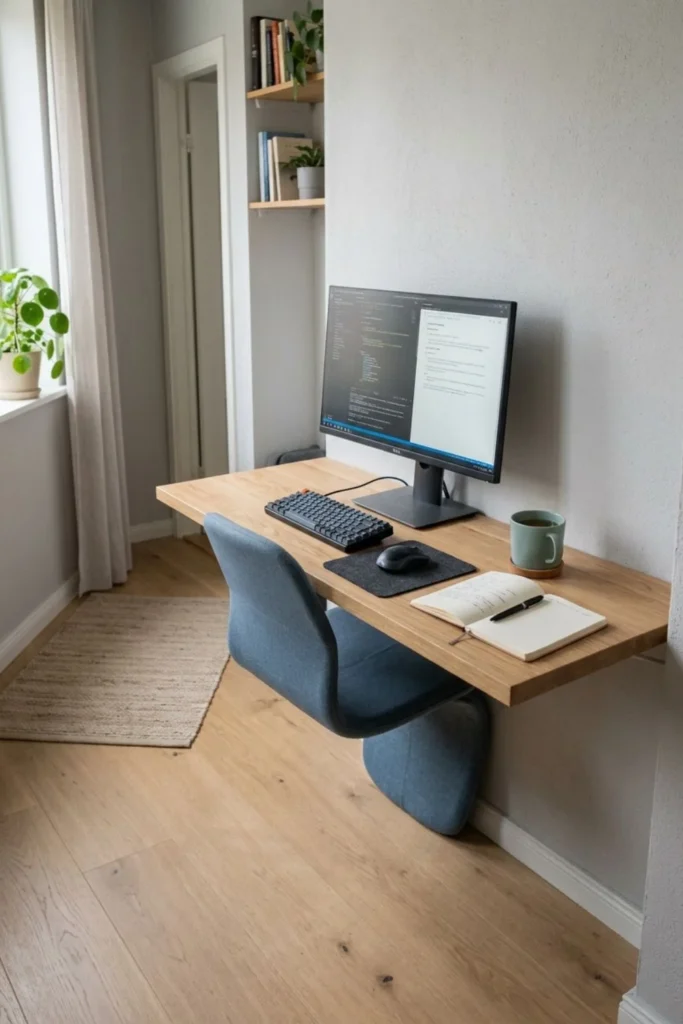
This is my favorite idea in the guide because it offers the best balance of comfort and floor space. A slim wall desk can turn a plain wall into a proper workstation without making a narrow room feel blocked.
Do not confuse “slim” with “too shallow.” Measure your laptop or monitor stand, then add space for your hands and keyboard. A beautiful desk is not useful if the screen sits too close or your wrists hang over the front edge.
Try the taped-floor test before you order. Mark the desk width and depth, place your chair inside the outline, and act out a normal task. Open a notebook, reach for a drink, and imagine where the lamp will sit. The right measurements become much clearer when you move through them.
I prefer a plain top with one shallow drawer or a narrow shelf above it. Deep side cabinets can steal legroom and make the desk look bigger than it is. A chair that slides fully under the top will open the walkway when work is done.
For a laptop-only setup, keep one side free for writing. If you use a monitor, center it with your chair instead of pushing it to the side just to make the photograph look balanced. Your body should not stay twisted toward the screen for hours.
Natural oak, warm white, and soft walnut are easy to blend into an existing room. Still, size matters more than color. Of all these small home office ideas, a well-sized slim desk is the one I would build the rest of the room around.
3. Use the Space Under a Window
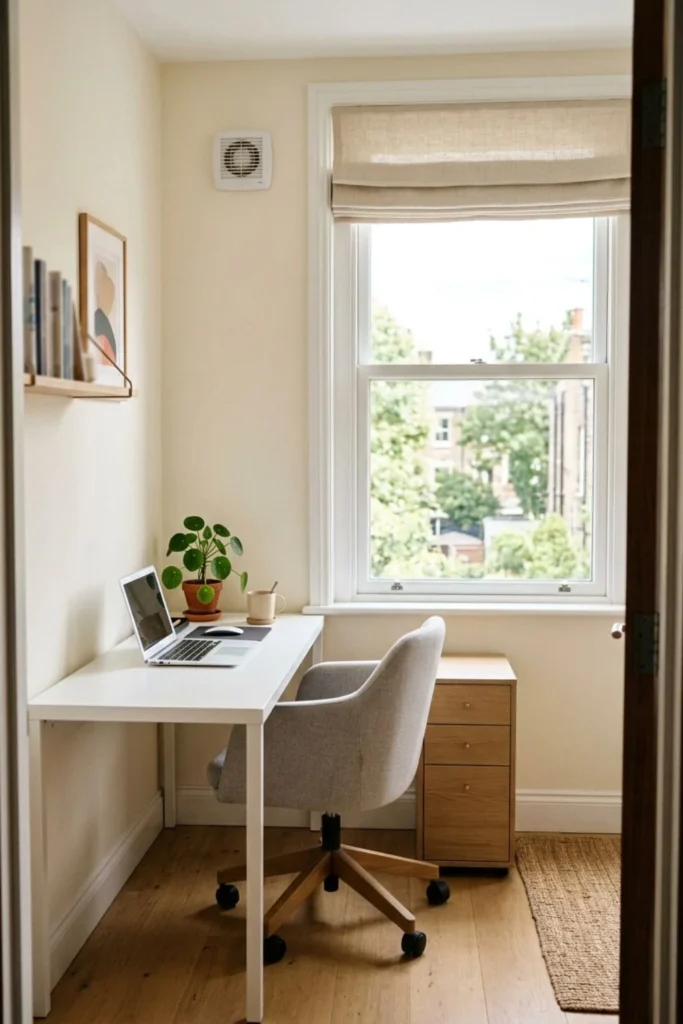
A desk near a window can make a tiny office feel less closed in. Daylight and an outdoor view add depth, which is useful when the desk is tucked into a small bedroom or narrow side room.
The common mistake is placing the screen directly in front of strong light. That can create a harsh contrast between the bright window and the darker monitor. It may also make you lean forward or squint.
When possible, turn the desk so the window sits to one side of the screen. A light blind or curtain can soften bright sun without making the room gloomy. The OSHA workstation guide also recommends placing the display at a right angle to windows to help reduce glare.
Do not block a heater, cooling vent, or window handle. If the desk sits below the sill, check that the window can still open safely. A low drawer unit on one side can add storage while leaving the middle open for your legs.
4. Build Up with Floating Shelves
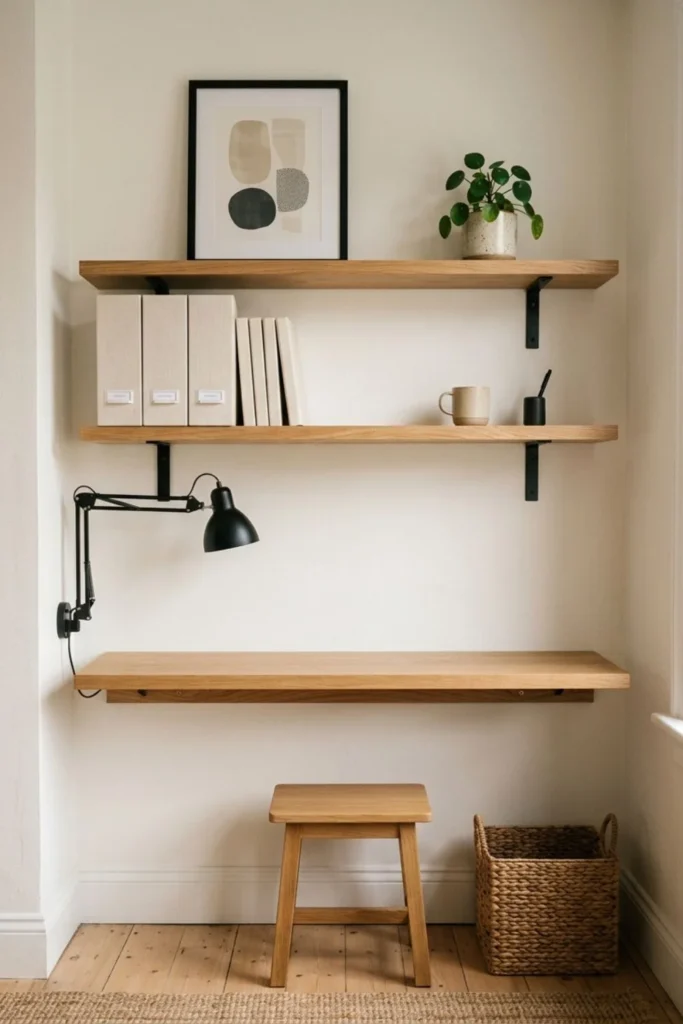
Floating shelves use wall space that would otherwise stay empty. They can hold notebooks, file boxes, and a few personal pieces without adding a wide floor cabinet.
Two short shelves usually look calmer than one tall stack reaching toward the ceiling. Put everyday items on the lower shelf and lighter, less-used objects above. Leave visible gaps so the wall does not feel packed.
Installation is the important part. The wall material, fixing type, shelf depth, and expected load all matter. Follow the maker’s instructions, use the right wall anchors, and get help if you are unsure. Heavy books should not sit on a shelf that was designed only for light decor.
5. Create a Closet Office
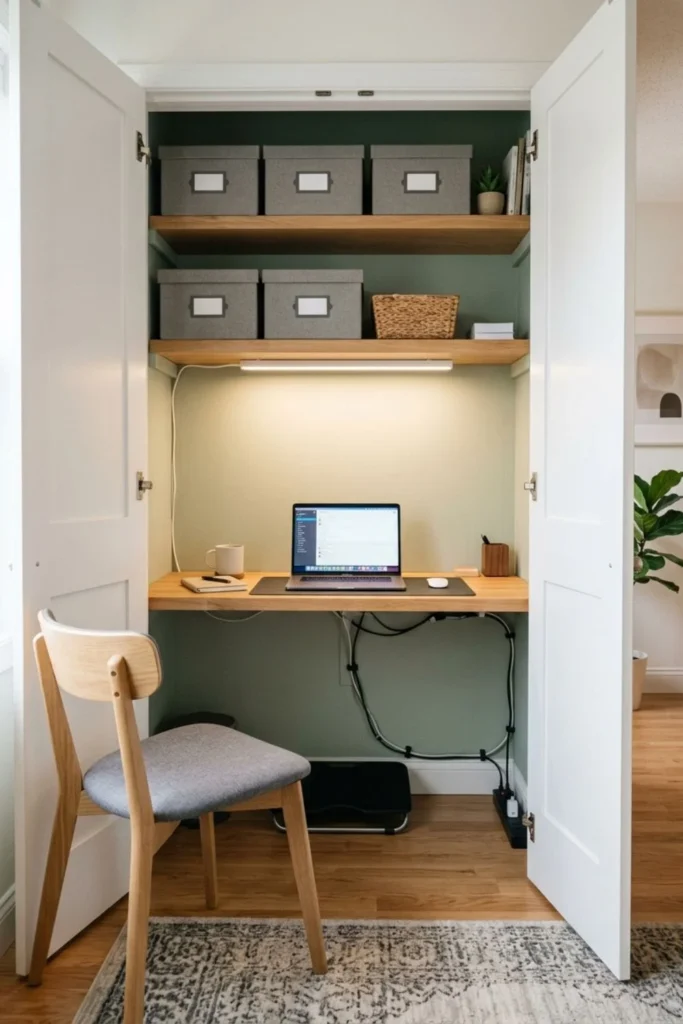
A closet office, often called a cloffice, can be a smart answer when you want work to disappear at night. Open the doors for the day, then close them after the laptop and papers are safely put away.
This idea works best in a closet with enough width for your elbows and enough depth for a real chair position. A shelf used as a desktop should be installed at a comfortable height and supported for the equipment it will hold.
Light and airflow need careful thought. Use a proper indoor task light and keep the doors open while electronics are running. Do not pack a printer, power strip, computer, and stacks of paper into a sealed warm space.
6. Add a Fold-Down Desk
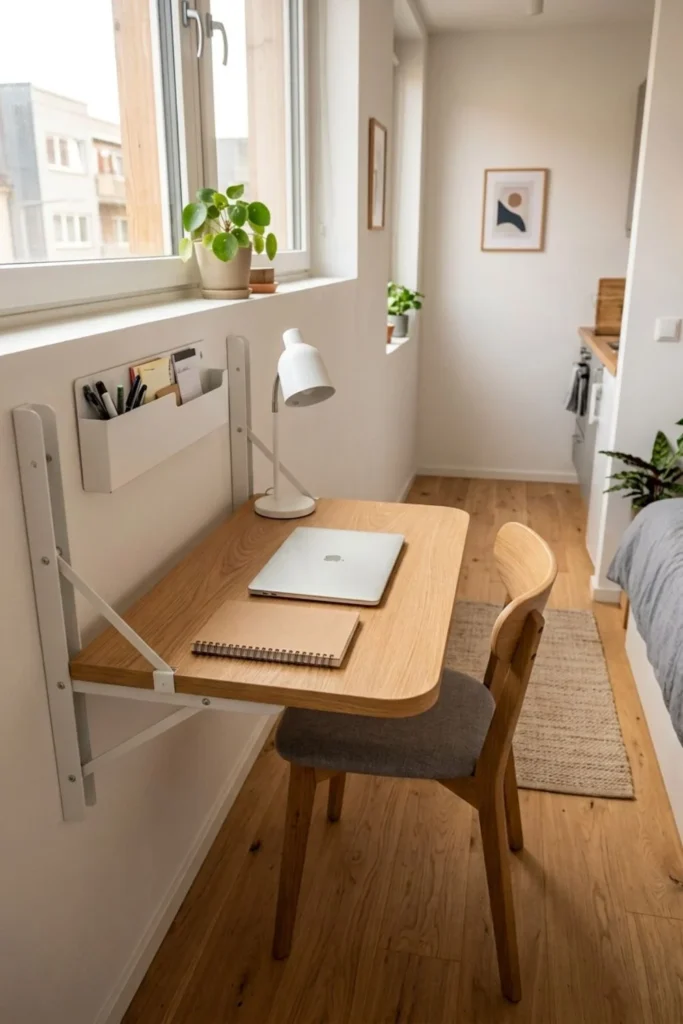
A fold-down desk makes sense when the room changes jobs during the day. It can support a laptop during work hours, then close to free a guest room, studio, or wide hallway.
Its greatest strength is also its limit: everything must be cleared before the top folds away. If you use a monitor, piles of paper, or art equipment every day, the repeated setup may become annoying.
The desk must be fixed to a wall that can carry its weight plus the items placed on it. Use the hardware recommended by the maker and ask a qualified installer when the wall type is uncertain. The open top should sit level and should not project into a busy path.
7. Make a Bedroom Office Feel Separate
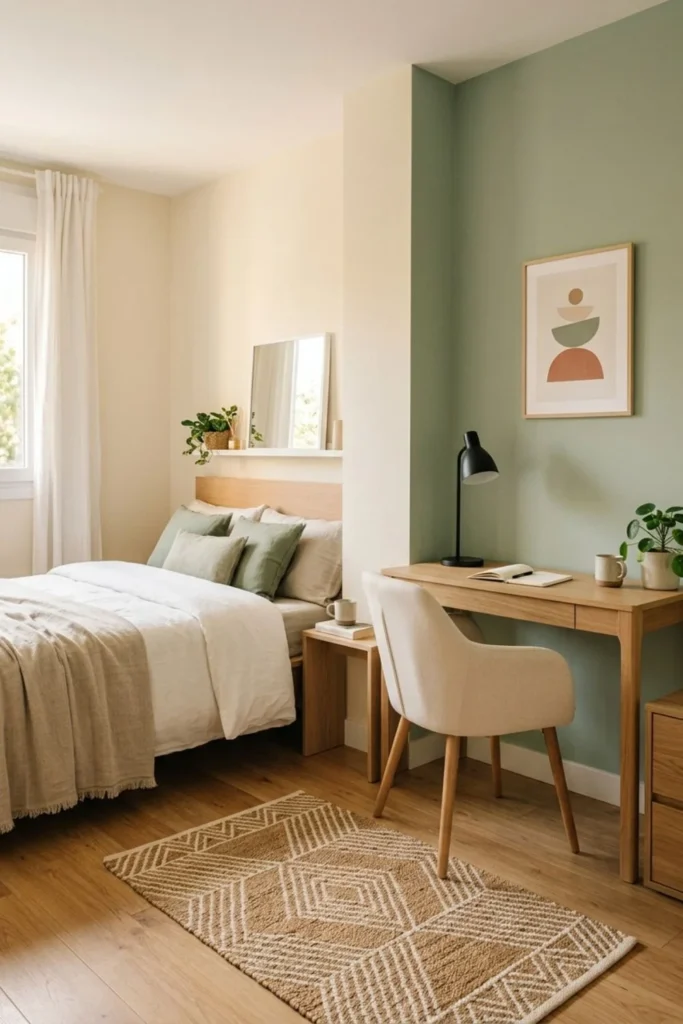
Working in a bedroom can make rest and work feel mixed together. A clear visual boundary helps, even when the room is too small for a divider.
Try a small flat rug beneath the chair, a calm block of wall color, or one narrow shelf above the desk. These details mark the office zone without blocking daylight. A tall screen may make a tiny bedroom feel darker and smaller.
Face the desk away from the bed if the layout allows it. If not, use closed storage so unfinished work is not the last thing you see at night. A drawer for papers and a laptop sleeve can change the mood quickly.
8. Use a Rolling Storage Cart
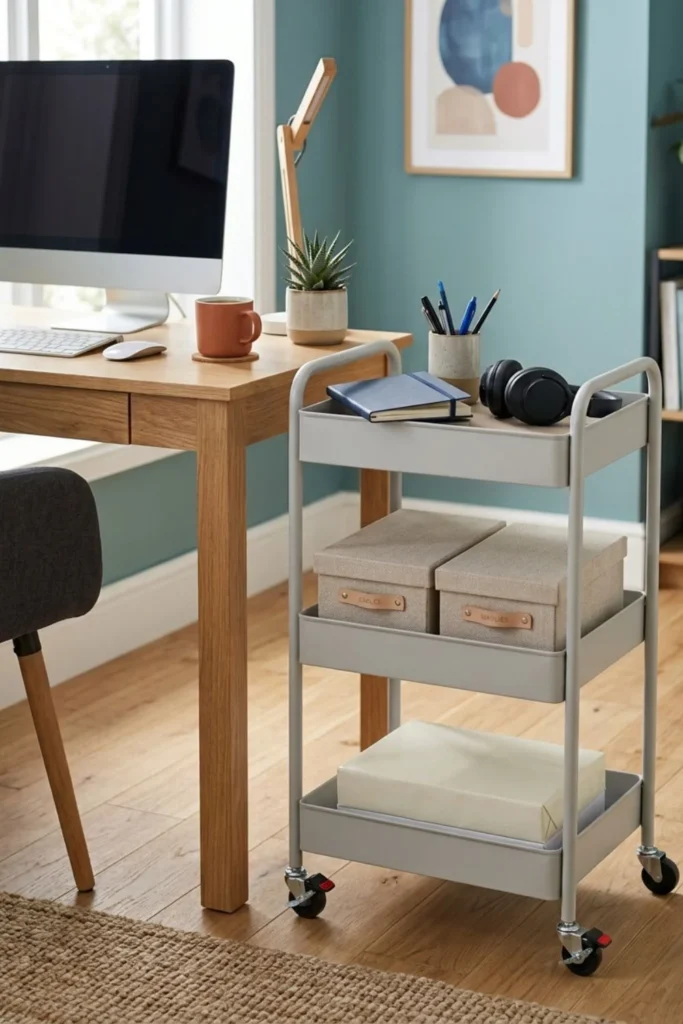
A rolling cart is useful when the desk or table serves more than one purpose. It can bring supplies into the room for work, then roll into a closet or quiet corner afterward.
Give each level one job. The top might hold the notebook and headphones. The middle can hold cables in a small box. Paper or another heavy item should sit low to keep the cart stable.
Check the wheels and use their locks while you work. Do not trail a live charging cable from a moving cart across the floor. Mobility is helpful only when the cart remains safe and simple to move.
9. Choose a Desk with Drawers
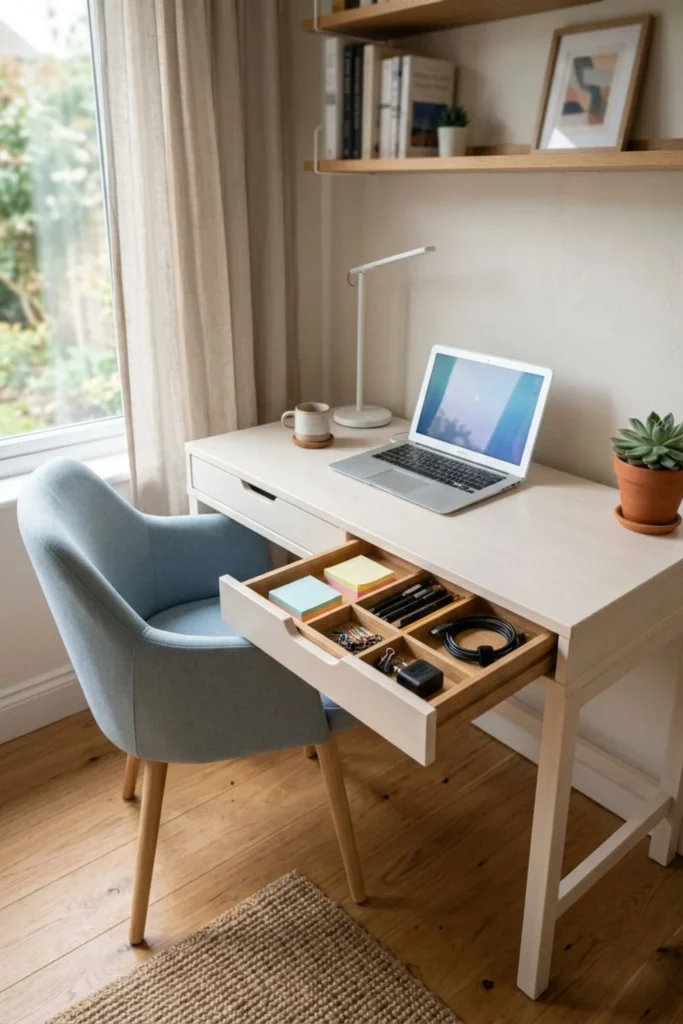
One or two drawers can prevent a small office from needing another cabinet. They are ideal for pens, a notebook, charging tools, stamps, and other little items that make the top look busy.
Test the space below the drawer before buying. A thick drawer box can press against your thighs or stop the chair from reaching a comfortable position. Side drawers may be a better fit if the desk is wide enough.
Inside, use only a few dividers. Keep daily tools near the front and rarely used items at the back. If a drawer becomes a mixed collection of receipts, batteries, and old cables, empty it and give those items a better home.
10. Improve Your Work Lighting
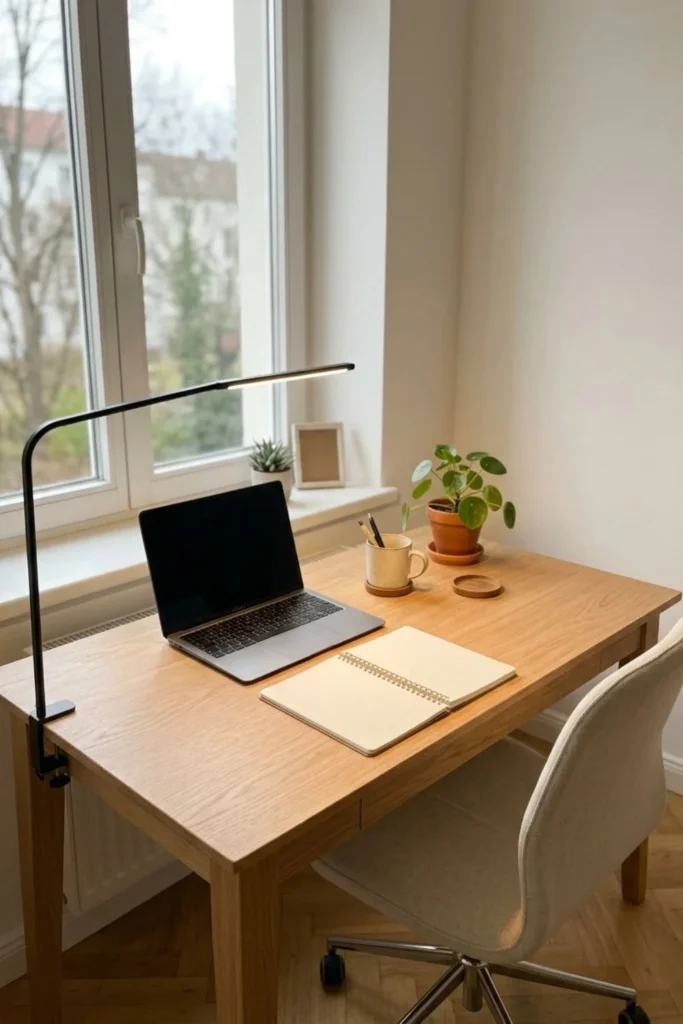
Lighting is my second top choice because it changes how the office feels and how well it works. A dark desk can make a small corner feel forgotten, while one well-placed lamp makes it feel intentional.
Start with daylight, but notice its direction at the time you usually work. Then add adjustable task lighting for the keyboard, notebook, or project in front of you. A lamp with a shade or controlled beam is easier to direct than a bare bright bulb.
If you write by hand, place the lamp on the side opposite your writing hand. That keeps your hand from casting a strong shadow across the page. For screen work, move the lamp until it lights the desk without reflecting in the display.
The goal is not maximum brightness. A very bright lamp in an otherwise dark room can feel harsh. Use soft room light plus focused task light so your eyes do not keep moving between extreme light and dark areas.
Wall-mounted lighting can free desk space, but it needs safe installation and a sensible cord route. A clamp lamp may be easier for renters. Whatever style you choose, use the correct bulb and keep paper or fabric away from hot parts.
Clean the lamp shade, window, and screen from time to time. Dust can dull useful light and make reflections more noticeable. Better lighting is a small change, but it often makes the whole workspace look more finished without adding more decor.
11. Hide Cables and Chargers
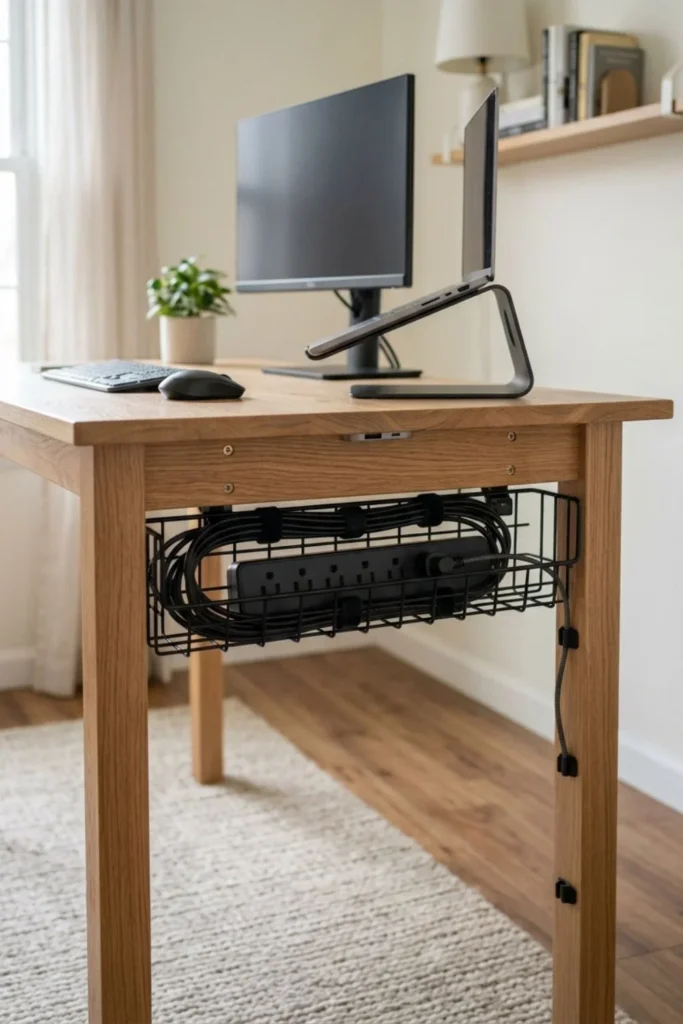
Cable management is my third top choice. It is not the most exciting part of a makeover, yet it can make a basic desk look calmer and make the floor easier to clean.
Begin by switching off and unplugging the setup. Remove cables that belong to devices you no longer use. Then connect only the computer, monitor, lamp, and chargers that truly need to stay at the desk.
A tray fixed below the rear of the desktop can hold a suitable power strip and extra cable length. Soft reusable ties can gather related wires without crushing them. Small clips can guide one or two cords along the underside or down a desk leg.
Do not create an airtight “pretty box” around electrical equipment. Power strips and adapters need the conditions required by their makers, and damaged cords should be replaced. Keep connections away from drinks, damp areas, heaters, and chair wheels.
The floor path matters most. OSHA’s office safety guidance identifies cords in walking areas as trip hazards. If a wire must cross an open path, rethink the furniture or outlet choice instead of hiding it under a loose rug.
Take a quick photograph before disconnecting a complicated setup. It can help you remember which plug belongs where. Add small labels near the plug ends, not in the middle where they remain visible. The result should be easy to understand and easy to unplug, not permanently tied into a mystery bundle.
12. Add a Simple Pegboard
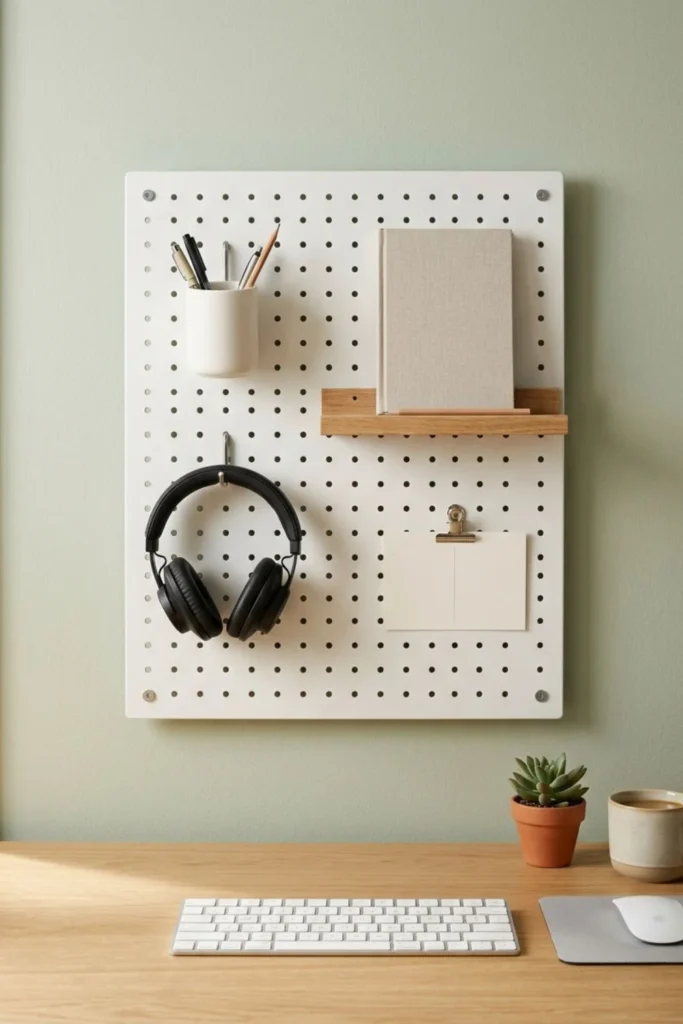
A pegboard can keep small tools visible, but it is one of my weaker choices for a general home office. The empty holes, hooks, cups, notes, and supplies can quickly turn a calm wall into a busy display.
It is most useful for someone who reaches for many small items every day, such as craft tools, drawing supplies, or headphones. If your work needs only a laptop and notebook, a drawer or one small shelf will probably look cleaner.
If you choose a pegboard, keep it short and give it one clear job. Use one pen cup, one headphone hook, and perhaps one shallow shelf. Leave a generous part of the board empty so it does not become a storage challenge of its own.
Mount it securely and respect the weight limit. Monitors, heavy books, and valuable cameras belong on a strong desk or properly fitted shelf. The pegboard should support light, often-used tools—not every loose item in the room.
13. Use Calm Colors
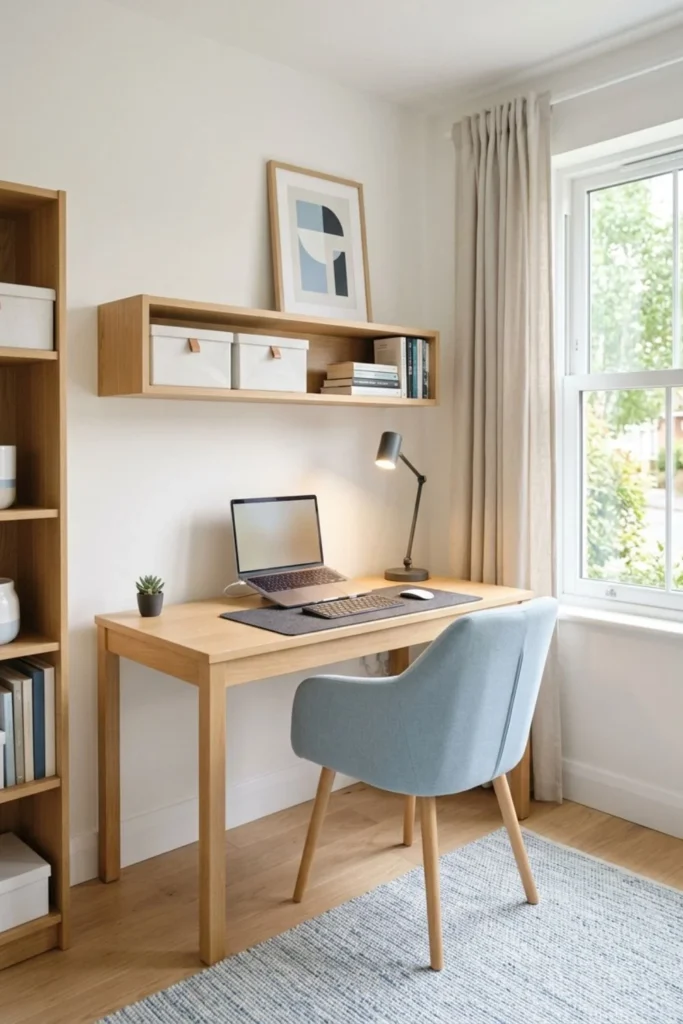
Color cannot fix an uncomfortable chair or a desk that is too small, but it can make the work area feel more settled. Warm white, pale sage, soft blue, light oak, and muted gray are easy to combine in a compact room.
Choose two main shades and one small accent. For example, use a warm white wall, natural wood furniture, and sage details in a tray or chair cushion. Repeating the same few colors helps office supplies blend into the room.
Choose what feels pleasant to you rather than copying a trend exactly. A calm office can still have personality. The aim is to reduce competing colors around the screen, not to remove every joyful object.
14. Bring In One or Two Plants
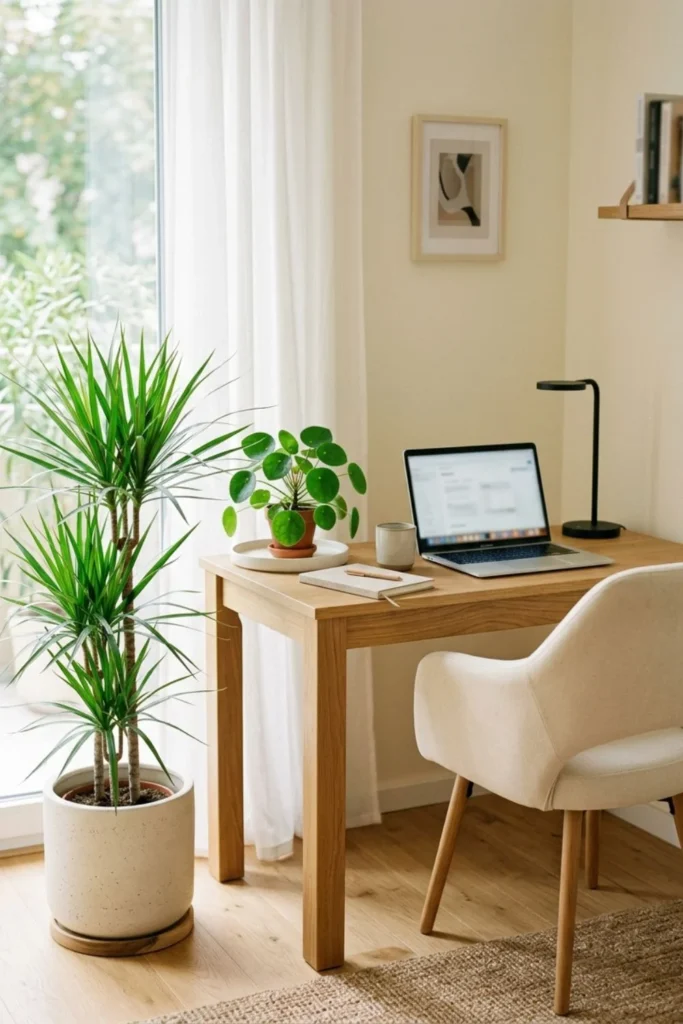
Plants soften the straight lines of a monitor, shelf, and desk. One small plant on the surface or one taller plant beside the chair is usually enough for a tiny office.
Match the plant to the real light, not the light shown in an inspiration image. Use a stable pot with a tray, and keep water away from plugs, papers, and electronics. Homes with pets or young children also need a safe plant choice and secure placement.
This detail comes after the desk, chair, light, and cables. It is a finishing touch, not a reason to crowd the last open part of the work surface.
15. Create a Small Office in the Living Room
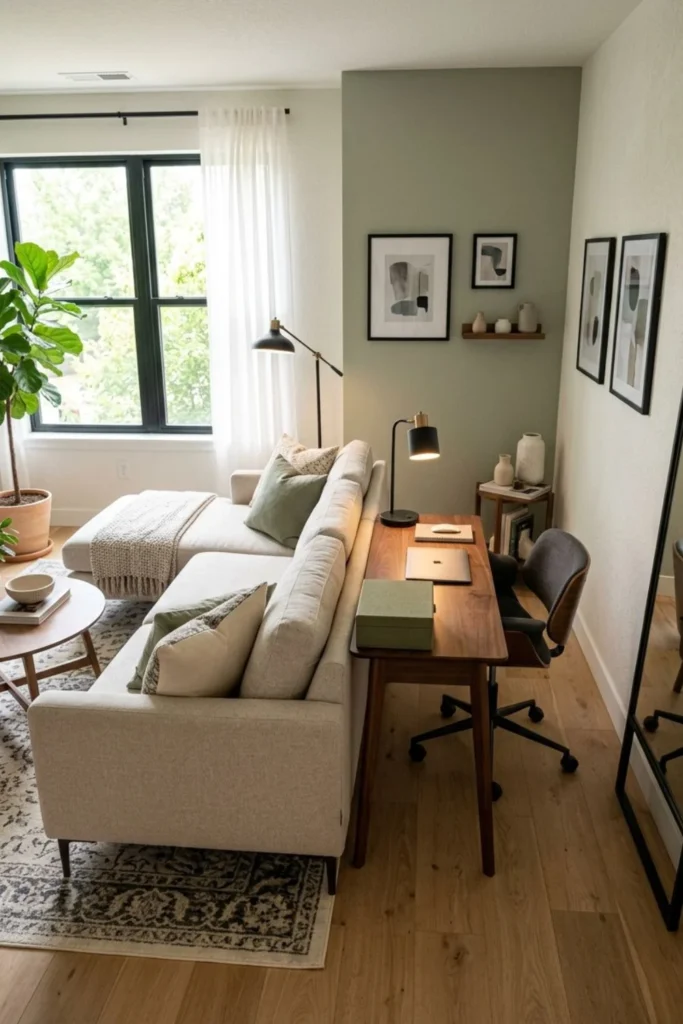
A living-room office has to work from two views: the view from your chair and the view from the rest of the room. Place the desk beside a bookcase, behind a sofa, or along a short wall where it does not become the main feature.
Match one or two existing materials. A walnut desk can echo a walnut coffee table, while a black lamp can connect with black picture frames. The pieces do not need to form a perfect set.
Closed storage is especially valuable here. A box for the laptop and papers helps the room feel like a living space again after work. Guide cables behind the desk and down the wall-side leg so the back does not look unfinished.
16. Make Space for Two People
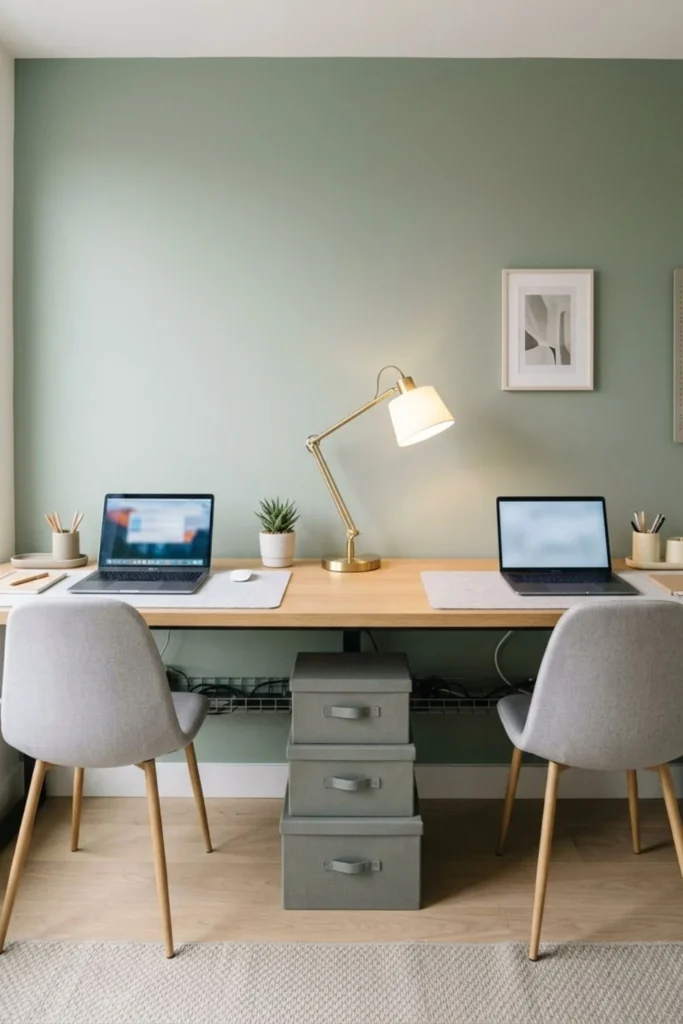
A two-person setup sounds efficient, but it is my other weak choice for a very small home. Two chairs, two screens, two sets of cables, and two work styles can use more space than a long desktop suggests.
It works best when both people do quiet laptop work or use the desk at different times. If both attend calls all day, the shared room may become frustrating even when the furniture fits.
Measure for two comfortable chair positions, not only the width of two laptops. Each person needs legroom, a clear screen view, and a safe way to leave the desk. Separate trays or drawers prevent chargers and notes from becoming mixed.
Before buying a double desk, test one existing table for a day. If noise, glare, or movement becomes distracting, create two smaller stations in different parts of the home instead. A shared printer or supply cabinet can still connect them without forcing both people into one corner.
17. Build a Quiet Video-Call Background
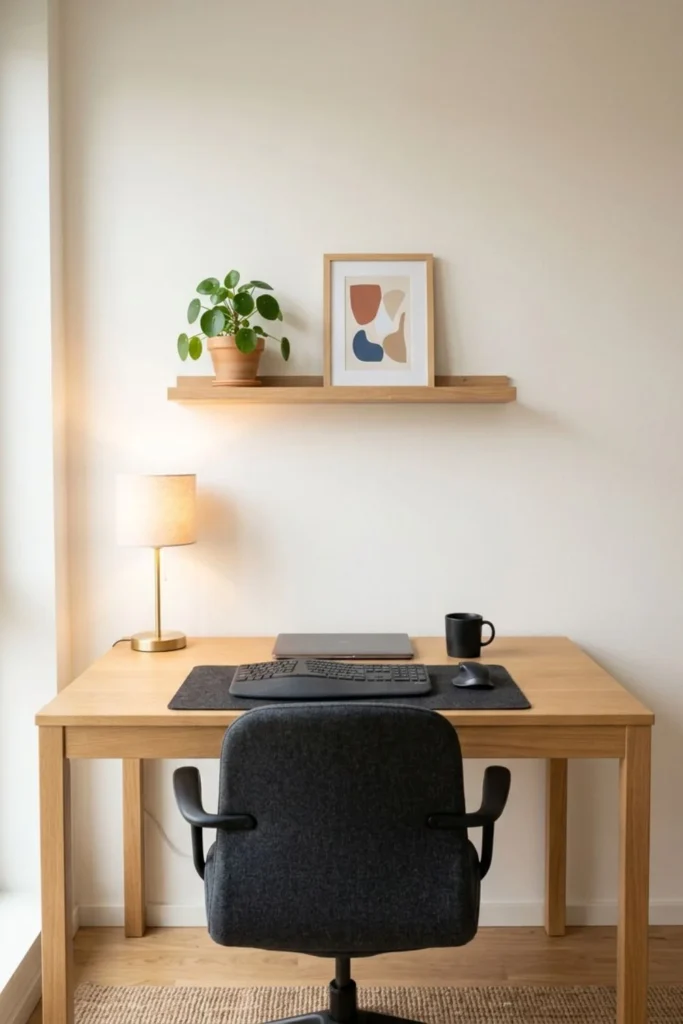
A good video-call background is mostly about light, privacy, and fewer distractions. Sit in the chair, open the camera preview, and look at the frame as another person will see it.
Remove private papers, family information, open doors, laundry, and reflective surfaces. A plain wall with one small art piece or plant is enough. There is no need to build a decorative display only for calls.
Place soft light in front of you or slightly to one side. A bright window behind the chair can turn your face dark on camera. If the desk position cannot change, use a blind and add a lamp in front.
The Three Ideas I Would Choose First
If I had to improve a tiny workspace with only three decisions, I would start with these:
- Choose a properly sized slim desk. It protects the walkway while giving the laptop, hands, and notebook enough room.
- Improve the light. Daylight plus an adjustable task lamp makes the corner easier to use in the morning, afternoon, and evening.
- Create a clear cable route. Fewer visible wires make the setup calmer, easier to clean, and safer around feet and chair wheels.
These choices are not dramatic, and that is exactly why I trust them. They improve the basic experience of sitting down to work. You can add color, plants, shelves, and art later without having to repair the layout.
Two Ideas I Would Treat as Optional
The pegboard and two-person workspace are not bad ideas. They simply solve specific problems and can create new ones when used without a real need.
Choose a pegboard if you use several small tools every day and enjoy open storage. Skip it if visual clutter makes it harder for you to focus or if your supplies already fit inside a drawer.
Choose a two-person desk if schedules, noise levels, and work styles fit together. Skip it if both people take calls at the same time or if the room cannot provide comfortable chair and leg space.
Keep the Office Comfortable After the Makeover
A small office stays useful through simple habits, not constant buying. At the end of the day, return pens to one cup, move papers into one tray, unplug what does not need power, and leave a clear area for tomorrow.
Once a week, wipe the desk, lamp, and screen. Look below the desk for a loose cable clip or a cord moving toward the chair wheels. Empty rubbish and remove cups before they become part of the setup.
Use storage as a limit. When the paper tray or supply drawer is full, sort it before adding another container. Small offices become crowded when storage keeps expanding to protect things that are no longer useful.
Most importantly, change position during the day. Stand up, look away from the screen, stretch gently, or complete a short task elsewhere. A carefully arranged desk can support you, but it cannot replace movement and breaks.
Final Thoughts
The best small home office ideas are not the ones with the most shelves, gadgets, or perfect decorations. They are the ones that make it easier to sit down, find what you need, see your work, and clear the room when the day is finished.
Begin with the real problem. If the walkway is tight, choose the slim desk. If the corner feels gloomy, fix the light. If tangled wires collect dust and catch your feet, plan the cable route. Solve one problem before decorating around it.
For my own editorial plan, the slim wall desk, work lighting, and cable management form the strongest base. The other ideas can support that base when the room and routine truly need them.
Your office does not have to look expensive or unusually perfect. It only needs to fit your home, your body, and your working day. When those three things agree, even one quiet wall can become a workspace you are happy to return to.
Disclosure: Some visuals are AI-assisted design concepts created for inspiration. Always confirm measurements, materials, load limits, building rules, electrical safety, and installation requirements for your home.
One comment